
SearchCans Skills give coding agents repeatable jobs for web research, local SERP planning, and Reader checks. Install the one you need in the project where work happens. Keep the API key outside Git. Begin with a small test.
Short answer: install one task-specific Skill at project scope, inspect its files, set the API key locally, and run a bounded test before you install more Skills or start a batch.
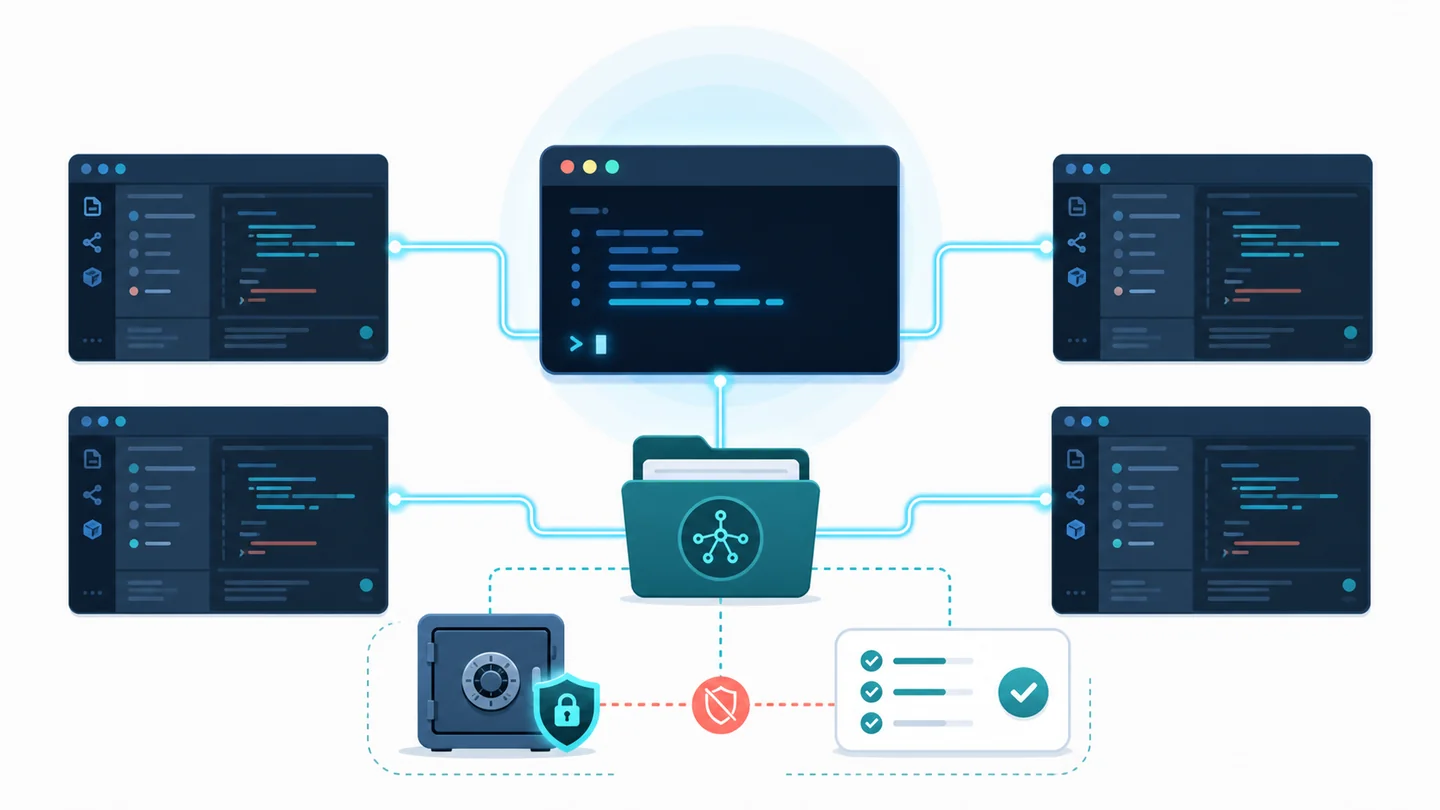
Figure 1. Keep the Skill in the project and keep the API key outside the repository.
Choose the task before you install
The official SearchCans Skills repository has task-specific Skills. The repository and its Wiki are the source of truth for the current list.
Three good starting points are:
| Skill | Use it for | Main guardrail |
|---|---|---|
searchcans-deep-research |
Proof-led market, product, tech, or policy research | A 3 to 5 question plan, Reader-read sources, and a source cap |
searchcans-serp-content-gap |
Local SEO and GEO planning | Country and language scope, clear request status, and no volume claims |
searchcans-reader-seo-audit |
URL-to-Markdown checks and HTML checks | A read status is not a ranking or reuse-rights verdict |
Start with one Skill. It is easier to review its API calls, test its results, and know what the agent may do.
Install one Skill at project scope
Open a terminal in the project where the agent should use the Skill. Then run:
npx skills add https://github.com/SearchCans/searchcans-skills --skill searchcans-deep-research
The installer finds the available Skills. It asks which agent tools should receive the one you chose. Choose the tools used by this project, such as Codex, Claude Code, Cursor, or Gemini CLI. Then select project scope.
For a repository install, the main copy is often in .agents/skills/ in the project. Some tools make copies or links in their own folders. Check the installer’s final summary. Do not assume one path for every tool.
Keep the API key local
The Skills call SearchCans when a task needs SERP, Reader, or Account API access. Set SEARCHCANS_API_KEY in the terminal session or an approved key store.
$env:SEARCHCANS_API_KEY = "your_key_here"
Do not put a real key in a prompt, Markdown file, public issue, source control, or research report. If the project uses a local env file, make sure Git ignores it before you add a value.
Verify the installed Skill before a real task
A Skill is more than SKILL.md. It may use scripts/, references/, assets/, or agents/ files. Those files can control API calls and how results are handled.
Check these three things after installation:
- Scope: the Skill is in the right project, not another workspace.
- Files:
SKILL.mdand all support files are there. - Safeguards: the instructions explain the source cap, account check, request status, and no-secret rules.
Review any third-party Skill before you use it. Installation makes it available to an agent. It does not remove the need to understand its scripts or permissions.
Run a small test before a batch
Use one small request first. For example:
Research the US-English results for one topic, read no more than four sources, and separate documented facts from analysis.
The Deep Research Skill should make a short plan, search the market you asked for, read a small source set, and cite the URLs it read. Its account checks can reduce the page cap and calls at once when the account cannot support the job.
For content planning, test the SERP Content Gap Skill with one engine, one market, and one result page. For a RAG project, test the Reader SEO Audit Skill on one public URL before you build a batch.
Know what the result does and does not mean
The Skills make operational state visible:
- A successful SERP response is a market snapshot, not a traffic or ranking guarantee.
- A Reader response shows that the agent read a page. It does not prove indexing, site access rules, or the right to reuse content.
- A research report should show the URL it read. It should separate facts from analysis and state conflicts or failed reads.
- An account guard should keep a safe budget choice. It must not expose raw account data or credentials.
These rules let the same Skill work across agents. They keep research, proof, cost, and privacy rules clear.
Check the next Skill after the first test
After one good result, return to the SearchCans Skills repository and its Wiki to choose the next task. The APIs have their own docs:
New users can sign in and check Dashboard → Free Redemption Codes for the current weekly test credit code. Use it for a small test before you run a bigger job.
Common questions
Q: Should I install every Skill at once?
A: Install the Skill that matches the next task first. A smaller installation is easier to inspect and test. Add more only when the project needs them.
Q: Where should the API key live?
A: Keep it in the active terminal session or an approved key store. Do not save it in the repository or send it to the agent in a public prompt.
Q: Can one project use more than one coding agent?
A: Yes. Choose only the tools the project uses when the installer asks. Review the final summary to see the folders or links it made.
Start with SearchCans Skills
Install one Skill, run a bounded test, and inspect the result before you scale. Use the SearchCans Skills Wiki to choose the task that fits your project.
npx skills add https://github.com/SearchCans/searchcans-skills --skill searchcans-deep-research
